
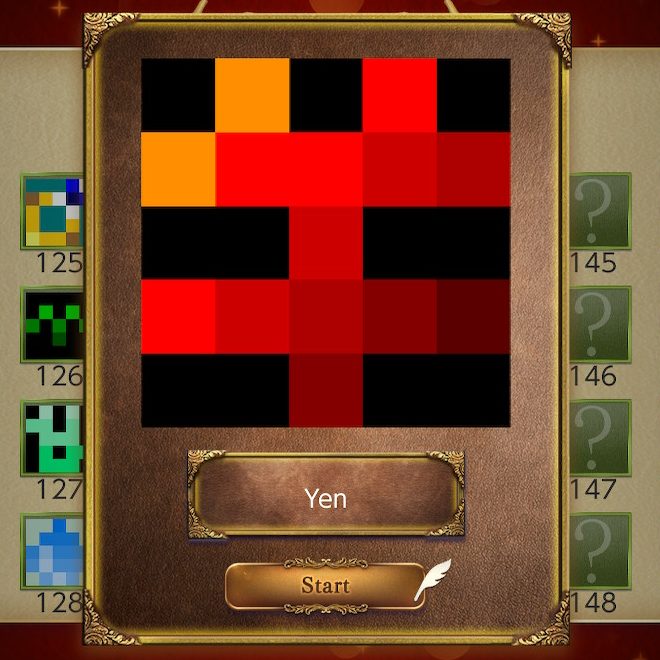
As per usual, before you read any further, my one line review:
I would not recommend Picture Puzzle Painting 1000! unless you’re desperate for a new nonogram game to play. It is Okay, but there’s quite a few better choices for the Nintendo Switch.
I guess that’s two lines. But you get the Picture (Puzzle Painting 1000!)
Cost Performance
When researching Japanese microwaves for Microwavin’, I recently learned the handy term コスパ kosupa, abbreviated from ‘cost performance’. I bring it up because often, as long as there’s no glaring issues with the gameplay, that’s ultimately the deciding factor in whether I would recommend a nonogram game or no. Given that this puzzle game series from SUCCESS Corporation seemingly prides itself on quantity (over quality in this particular case, but we’ll get to that), I decided to do some math, with the going price of Jupiter’s Picross S series setting the bar.
I bought this game on sale from the Nintendo eShop for $2.94 USD, and it’s definitely worth that in my opinion. It looks like full price for my region’s eShop is $5.89, which means that each puzzle is about half a cent… is the basic math I would do if I were a plebe! But no, there’s more going on here.
Picture Puzzle Painting 1000! has 208 5×5 puzzles.
Two hundred. and Eight.
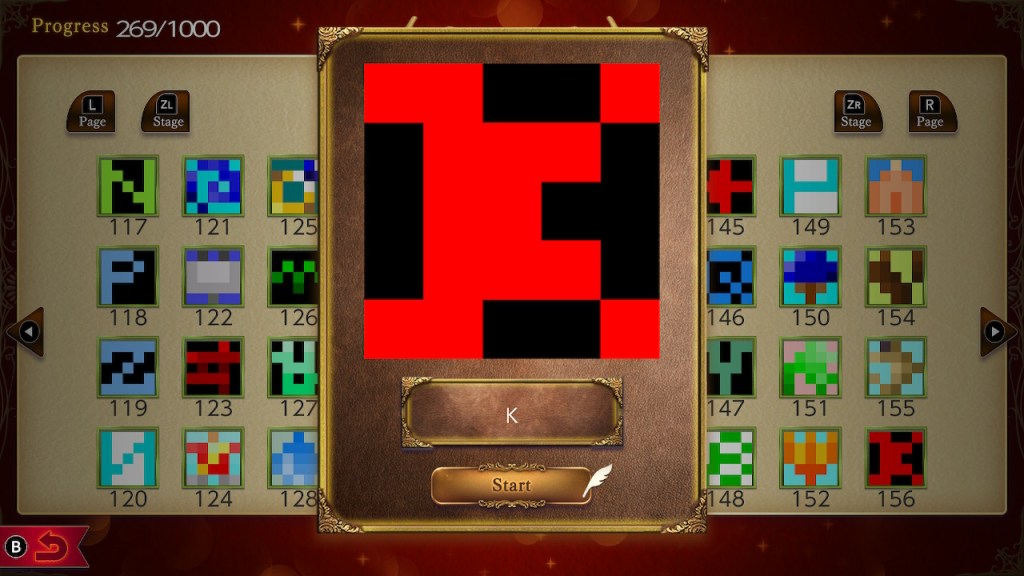
No. 156: The least likely representation of a 5×5 pixel version of my initial
That means over a fifth of the puzzles are 5x5s. But in order to do proper cost-performance calculations, we also need a List Price Comparison.
I picked out three more representative nonogram titles that are also currently available on the Nintendo eShop for the Switch system. Let’s get the cost of Mario’s Picross out of the way – originally released on GameBoy, this is included with a Nintendo Switch Online subscription, so it’s free*. Nonogram Minimal by Hook is $6.99, and Jupiter’s first Switch entry Picross S full list price is the highest at $7.99.
Now we get to puzzle types. Picture Puzzle Painting 1000! only contains what I’ll call Regular puzzles. No fancy rules, although you might think it would indeed have Color puzzles, which involve switching between multiple colors, based on the name. As such, I’m using Picross S for comparison not just because it’s the first title available for the Switch system, but also because it only contains two puzzle types: Picross, and Mega Picross. Subsequent Picross titles have modes like Clip Picross and Color Picross which complicate matters. Nonogram Minimal technically also has a variety of puzzle types, but they mainly boil down to Regular and Color. It also includes a puzzle editor to make your own puzzles, and a community feature for sharing those puzzles. Lastly, Mario’s Picross only has Regular.
If we lump all the types together, we then get the following result.

Right from the get go, one thousand puzzles dwarfs the other titles’ totals. And as I mentioned earlier, there’s nothing seriously wrong with the game. So…we’re good right? コスパ winner? Well…
Size Does Matter (In Conjunction With Other Factors)
While there’s nothing seriously wrong with the game, it’s not great either. The localization is impressively bad, which sometimes results in bizarrely named puzzles.


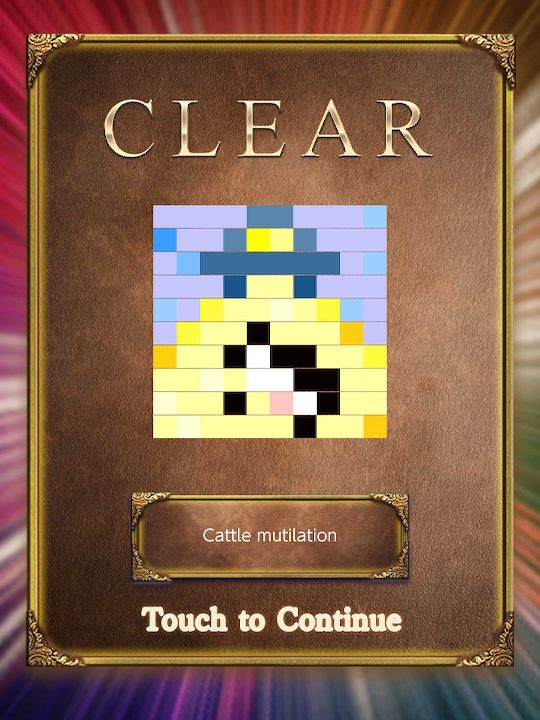
From left to right: a basic [b]/[v] error, another basic attributive error, and…
It also fails at basic things like Consistent Capitalization Conventions, and given that there’s a few puzzles with needlessly long names that they just…decreased the font size to jam it there, I can confidently confirm the quantity of copy editing completed was a big fat zero.


You and the cat she tells you not to worry about
Poorly localized puzzle names are usually fairly inconsequential unless you’re being asked to use them to solve another puzzle (yes, this is a Logiart Grimoire callout), but it does mean the tutorial reads like…well.


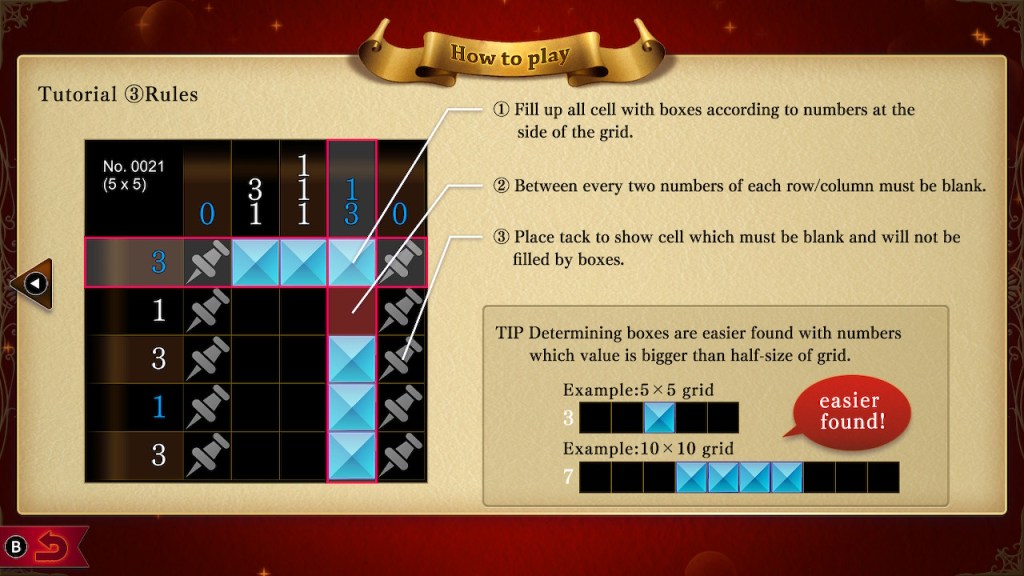
We all agree, right? ② should actually be first?
And as my stream regulars can attest, in addition to the 5x5s not presenting a challenge, many of the larger puzzles are still incredibly easy, meaning that, depending on your skill and playstyle, you shouldn’t expect an exponential increase in playhours compared to other nonogram games you’ve played. This is also pretty clear going back to our bar chart if we display by percentage.

The closest game listed here in price, Nonogram Minimal (which is on sale as I write this post for $1.99, btw) has a majority of 15×15 or larger puzzles. And 50 of those puzzles are Color nonograms – despite your own personal feelings about that game mode, I think we can all agree they Cost More to Make. Likewise, both Picrosses in my example are also majority 15×15 and up. All in all, I’m not sure the average nonogram game player will really feel like they got Value for Money compared to other titles out there when they are hit with an onslaught of over 200 5×5 puzzles. (Fun fact: if you have an NSO subscription, you also can play the unlocalized Mario’s Super Picross for free*.)
Sisyphean or Meditative?
Now, there is a market for 5×5 puzzle hounds. There’s even a Picross game solely focused on 5×5 puzzles, but that’s underselling it.
Picross X: Picbits vs Uzboross is a speed game where solving puzzles is a form of combat against enemy mobs, a format that I feel is best known with match 3 type games like Puzzle Quest or Puzzle & Dragons. It’s not the only one to use nonograms though. Off the top of my head, PictoQuest has a similar mechanic where you deal damage to enemies through the puzzle solving process, although if you’re a skilled speedy solver you can kind of brute force any encounters by turning them into simple DPS checks. Returning to the matter of Picross X, I tried playing the demo way back when, and while I understood the appeal, it wasn’t for me.
For traditionalists, there are also games with included Random modes where you can solve procedurally generated puzzles forever. To me, this sounds like a level of hell. I feel a crucial part of the fun of nonograms is the fact the finished puzzle forms a recognizable picture, and many of my regulars would agree. Solving a procedurally generated puzzle is like eating uncooked pasta – if you’re starving, it will get the job done, but compared to even a plate of cooked pasta coated with a little salt and oil, it’s…a choice.

Nonogram Minimal is one such game, for anyone who needs that scratch itched
Okay, But It Plays Alright?
Yeah? I have some issues. First off, the BGM seems limited to one track, an endless loop of “Little Brown Jug”, that seems to be reused across other SUCCESS Corporation games. You can (and you will) turn it off, along with SFX. A far cry from the Tsujiyoko Yuka compositions in the Picross S series.
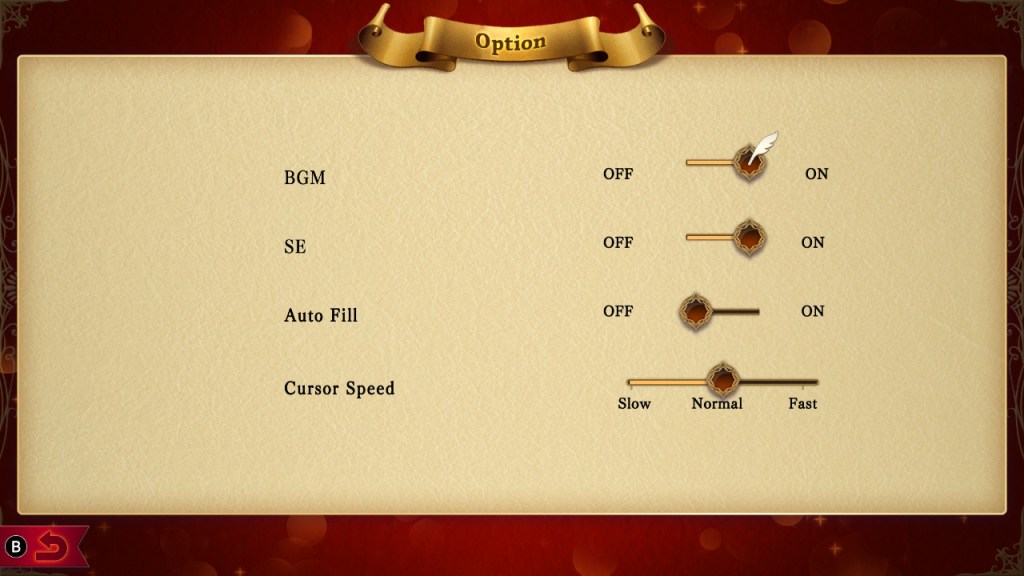
You can adjust cursor speed, and the cursor does loop on edges, both of which are a big plus for me, but the inputs are a bit strange. Instead of the traditional ✖ mark, you mark unfilled squares with push pins. Or thumbtacks.


For this particular English speaker, left is a push pin, right is a thumb tack
Erasing marks is mapped to a separate dedicated button, and given that Erase is B and Push Pin is X, this is definitely disorienting compared to the usual two-button control scheme of other games. Oh, did I mention Y is mapped to a little star block, like what Kirby would suck up and spit out to destroy a Waddle Dee? I’m guessing this is what you are meant to use for guess and check?
But the worst thing (that admittedly may be seen as a feature for some players) is this game is very much designed for touch screens. Once you start to fill in a square, whether it’s solid or push pin, the game locks you into that column or row and starts to number your input. There’s also no separate count function, so in larger puzzles you have to rely on the faint white gridlines to keep track. The lines are the same width even!

How hard can it be to make decent gridlines
“Oh, but Kelp,” my favorite invented reader interjects, “can’t you just use the numbering it does when you fill squares as a count function?” No. I tried. It won’t let you overwrite squares with the same mark, and there’s no dominant marking either, which honestly, is the least of the input issues. (As a reminder, dominant marking means that existing marks will not be overwritten by their counterpart, allowing a player to safely and quickly fill in a bunch of empty squares at once by holding down a button and a direction without having to stop and skip over previously marked squares.)
There’s also just a lot of sloppiness in the overall graphic presentation of the game. A weird subtle glowing effect behind the puzzle grid that made this astigmatic gamer think she was having an Episode. Inefficient display of row and column numbers, along with some questionable kerning choices for double-digit numbers. A number of very ‘default game engine asset’-esque transitions and superfluous effects when you finish a puzzle.


I figured it out pretty quickly, but.

The handful of larger puzzles are thrown into the UI with wild abandon
When I poked around the SUCCESS web site, I realized that this release, along with their other 1000! titles, started out as a mobile game before being ported to the Switch. That would explain some Choices, but not all of them.

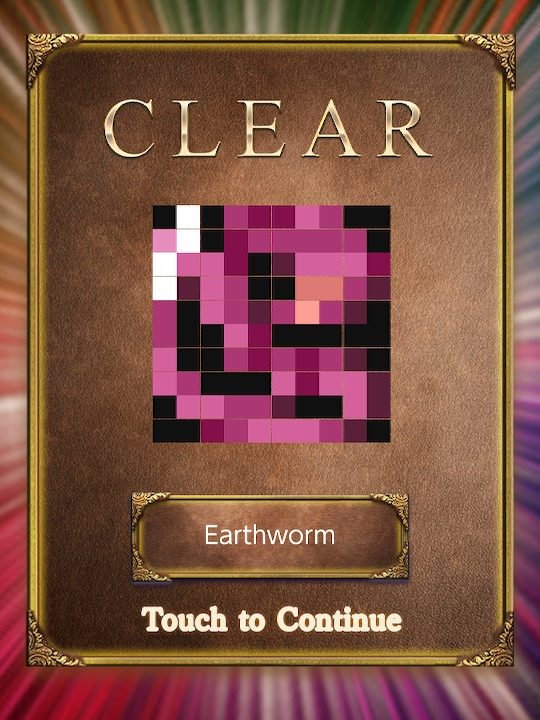
I forgot about this weird graphical glitch that occasionally introduces lines into the results screen display
The sloppiness extends to the puzzles as well. It won’t surprise you to hear they really had to dig deep to somehow signify signifiers in the 5x5s section, resulting in me and my stream learning our Cyrillic letters and hyperspecific map symbols.
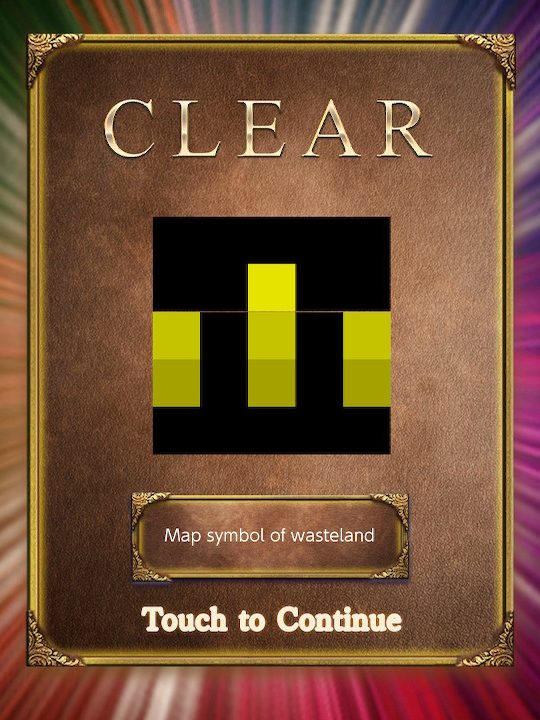


There’s plenty more where this came from
Even in the larger puzzles, there’s some obvious corner cutting, the most glaring probably being the Japanese postal mark 〒 appearing twice.


I really wasn’t kidding about the inconsistent capitalization


Uh huh
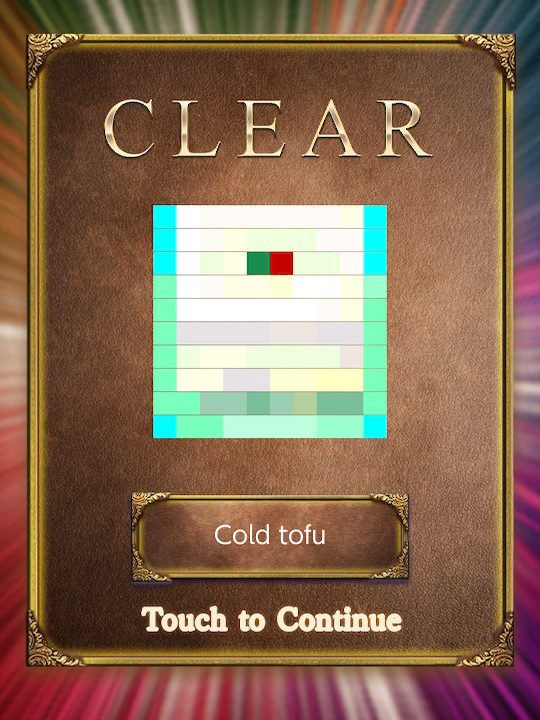

Okay I’m not mad about this one but also, the capitalization
That’s not to say there aren’t any well-done puzzles in here, and I have yet to run into a puzzle that wasn’t solvable (an unforgivable cardinal sin of any nonogram game, although even Jupiter themselves have committed it). But SUCCESS Corp’s commitment to the 1000! brand makes playing this feel like a real-life exercise of the 90/10 rule. While I didn’t do an exhaustive survey of all the nonogram games out there, after poking around on the Picross Wiki, it seems like 300~500 is the upper end of puzzle count for other established nonogram series, like Picross S9 ($9.99) at 485. So I suppose the lesson is you should shoot for paying a few cents per puzzle, instead of fractions of a cent…just kidding, the lesson is the same as always – if you’re interested in buying a nonogram game on the Switch, start with the Picross S series, especially if you’re new to nonograms.
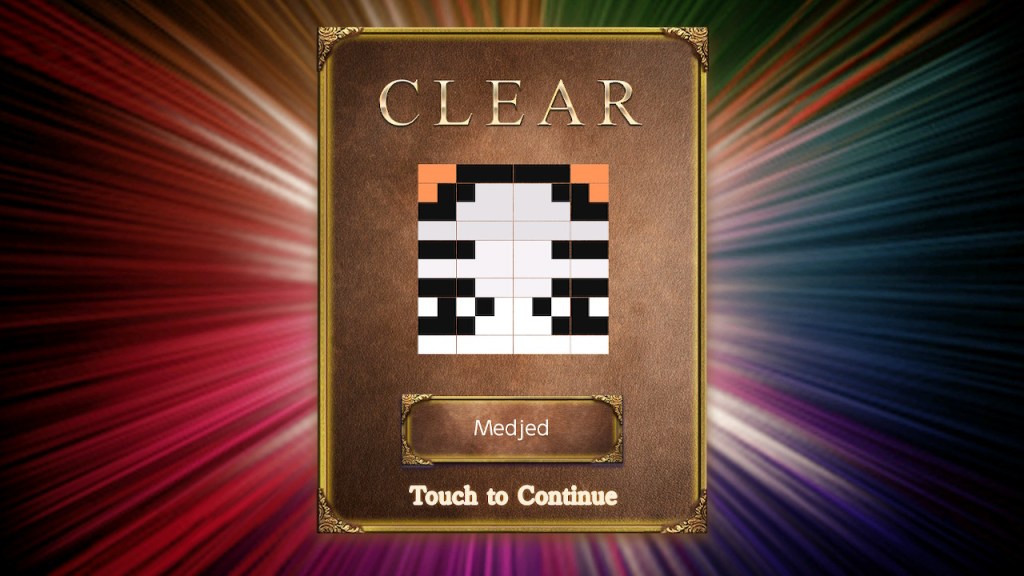
Medjed here to recommend you play another nonogram game that used to be vaguely Egyptian-themed
 kelp
kelp 